


Wondering when to change your reverse osmosis (RO) filters? Your exact model’s manual sets the replacement schedule and cartridge order. There is no single reverse osmosis filter replacement schedule that fits every system or every stage.
Use this guide to organize your maintenance, not as a replacement procedure. Before you open a housing or disconnect tubing, find the instructions for your installed unit.
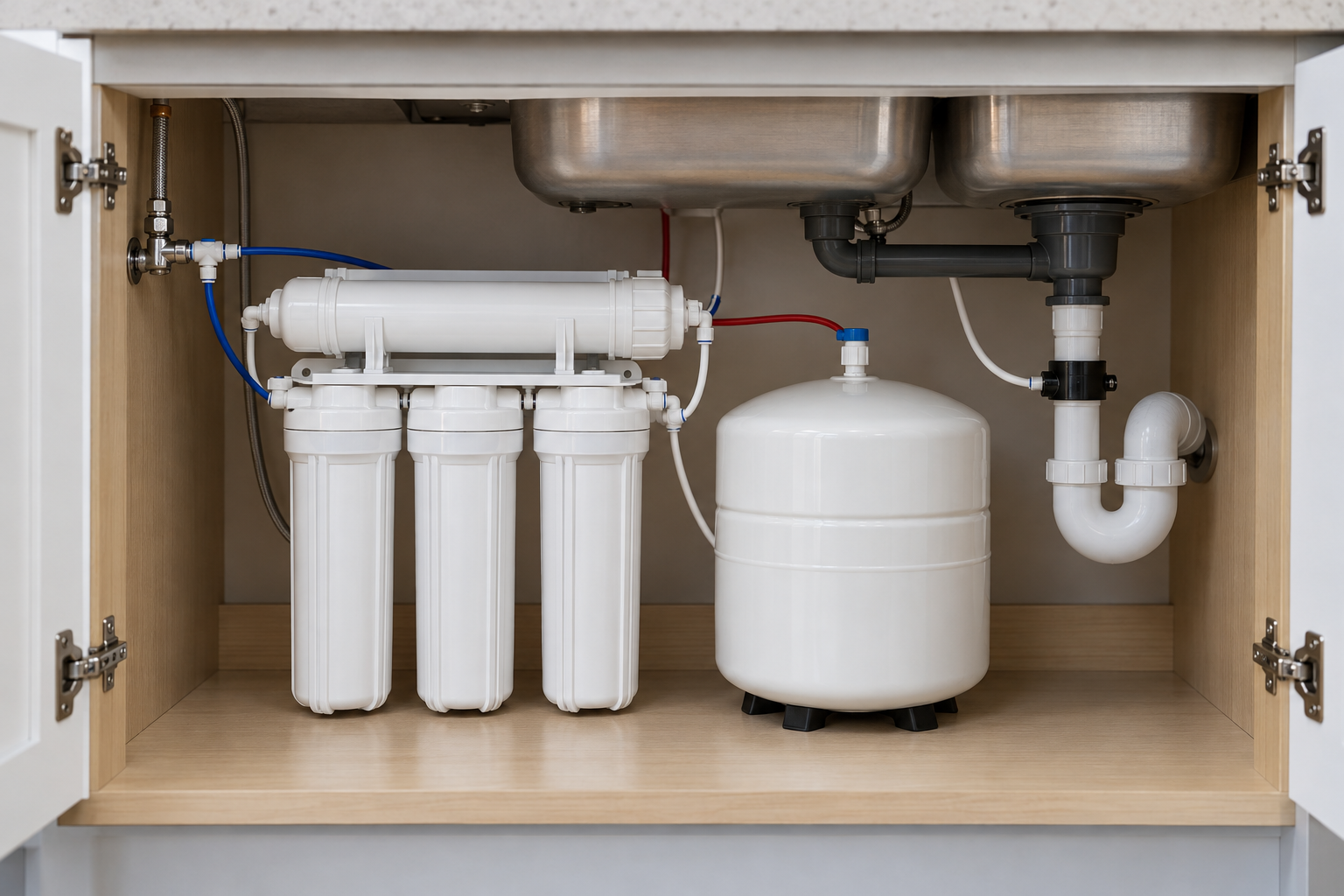

Illustration only. Not an installation diagram or evidence of a specific product’s design or performance.
Table of Contents
Start With Your System’s Identity
Read the model label on your unit and locate its matching manufacturer manual. If the label is missing or the manual does not match the installed equipment, ask the manufacturer for help before service.
Find these details in the manual:
- The replacement schedule and any conditions that require earlier service.
- The specified cartridge for each position, including its orientation.
- The order for removing and installing cartridges during the relevant service task.
- Separate instructions for filter changes, membrane replacement, and sanitizing.
- Required performance checks and instructions for returning the system to use.
Do not use a similar-looking system as your guide. Keep the manual’s title or revision identifier with your maintenance record so you can refer to the same instructions later.
Different Stages Have Different Requirements
A sediment filter, carbon filter, and RO membrane do not all do the same job. Do not assume they share a replacement date or service procedure.
For example, the Watts RO-PURE manual describes separate sediment, carbon prefilter, membrane, and carbon postfilter stages. Its replacement schedule treats those stages differently and states that water conditions and use can require more frequent filter changes.
That is a model-specific example, not a parts guide for your unit. The manuals cited here illustrate maintenance principles; they are not a claim about the latest production revision or instructions for every installed system.
Use your manual to make a separate entry for each stage. Do not extend a scheduled change simply because your water still tastes normal.
Symptoms Call for Checks, Not an Automatic Membrane Change
Slow flow, reduced water production, or a change in taste can prompt troubleshooting. A symptom alone does not identify the failed component.
The Pentair Everpure PRO manual illustrates this distinction. Its troubleshooting section addresses limited faucet flow through storage-tank checks. For slow flow from the reject line, it considers the prefilter and flow controller. It also distinguishes a gradual return of taste and odor from a sudden return soon after service.
Those are checks for the Everpure PRO, not a sequence to copy onto your system. Record what changed, when it started, and whether it followed a filter change. Then use your model’s troubleshooting section or contact its service provider. Do not replace the membrane solely because the faucet runs slowly.
For background on the drain stream, see our reverse osmosis waste water guide. Use your manual, not a general explainer, to decide whether your system needs service.
Keep Servicing Model-Specific
Read the complete procedure for the task before you start. Your exact manual must guide pressure isolation and relief, any tank or connected-appliance isolation, cartridge handling, flushing, sanitizing, and leak checks.
Do not loosen a housing or disconnect tubing while it is pressurized. If you cannot identify how to isolate and relieve pressure for your unit, stop and ask the manufacturer or a qualified service professional.
Cleaning and sanitizing are not interchangeable with a cartridge change. Follow the manual’s specified materials, sequence, and rinsing requirements. Do not substitute a generic chemical recipe or copy one from another model. Complete the required flushing and leak checks before returning the system to use. If a leak persists, follow the manual’s shutdown guidance and seek service.
Keep a Maintenance Log for Each Stage

Illustration only. Not an installation diagram, service demonstration, or product evidence.
A short log helps you avoid treating every cartridge as if it were changed together. These are suggested record fields, not manufacturer requirements:
- System model and the manual you used.
- Service date and the stage or component serviced.
- Installed cartridge identifier and position.
- Reason for service: scheduled change, symptom, or manufacturer-directed check.
- Flushing, sanitizing, and leak checks completed, where required.
- Observations before and after service, plus any unresolved issue.
- Next service date or check, taken from the applicable manual instructions.
Write down exactly what changed. If you replaced only a prefilter, do not reset the membrane’s history. Keep service receipts and support advice with the log.
Frequently Asked Questions
Should You Replace Every Filter Together?
Only when your model’s instructions call for it. Different stages can have different schedules, while a membrane service may also require other cartridge changes. Check the instructions for the specific task, not just the general schedule.
Can You Wait Until the Water Tastes Different?
Do not use taste as your replacement schedule. Follow the manual’s scheduled changes and required performance checks. If taste changes before service is due, use the model-specific troubleshooting guidance rather than waiting for the next scheduled change.
Does Certification Tell You When to Change a Filter?
Use the exact model’s maintenance instructions to set your schedule. For help understanding certification claims, see our guide to NSF-certified water filters. That background does not replace your system’s manual.
Where Can You Learn About Ownership Costs?
Our reverse osmosis system cost guide covers that separate question. For maintenance planning, first identify your system and the service requirements for each stage.
Your next step: locate the matching manual and start a separate log entry for each cartridge and the membrane. If the service history is unknown, record that uncertainty and ask the manufacturer how to proceed.